
The Forge Wiki
The Forge Runes Guide
Runes let you fine-tune weapons, armor, and mining gear in The Forge. This guide explains how rune slots unlock, where runes drop, and which effects and traits they can roll.
Overview
Runes are collectible items that socket into Rune Slots on your equipment. The first slot usually opens after you enhance a piece of gear to +3, although some mining tools can arrive with slots already unlocked.
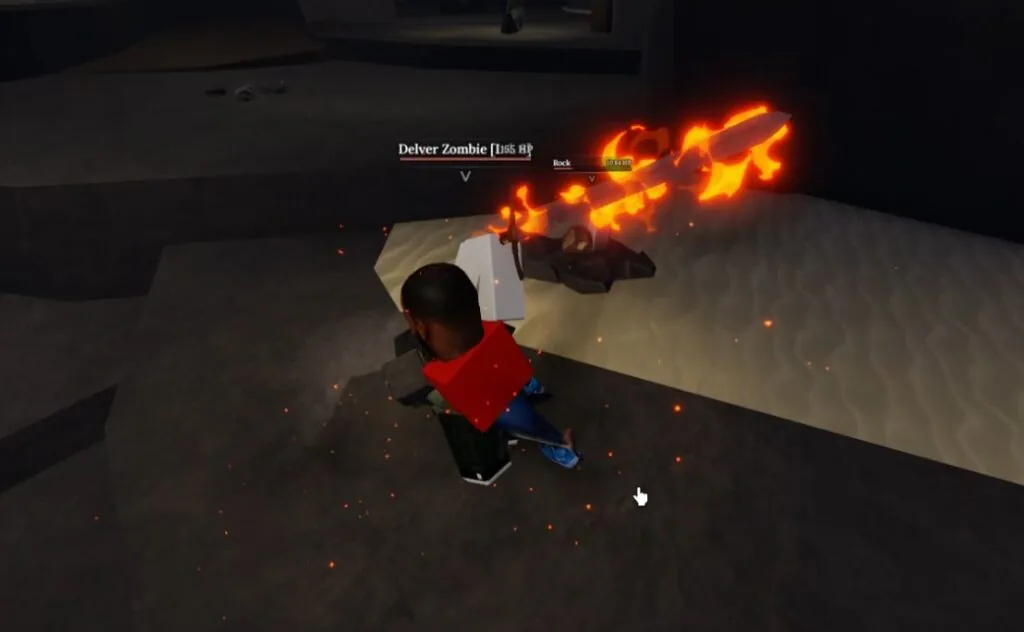
Once slotted, runes can boost mining yield, add combat effects, or strengthen defense. Some runes also change visuals, such as giving a weapon a fiery glow.
Sell spare runes
Extra runes can be sold for coins by visiting the Greedy Cey NPC.
Acquiring Runes
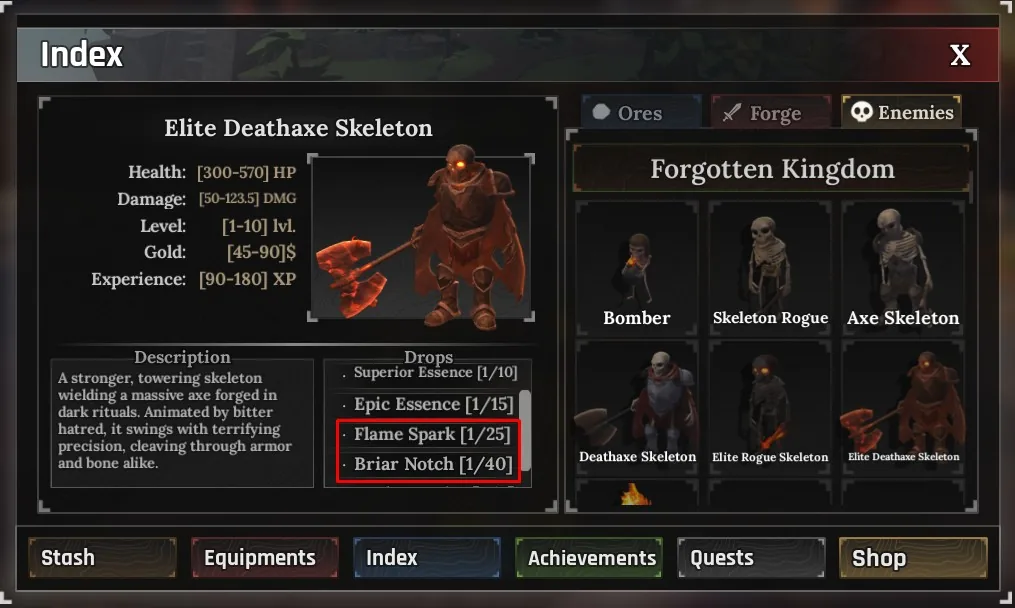
Most runes drop from enemies. Use the in-game Index and check the Enemies tab to see which foes can drop runes and their odds.
Attaching Runes
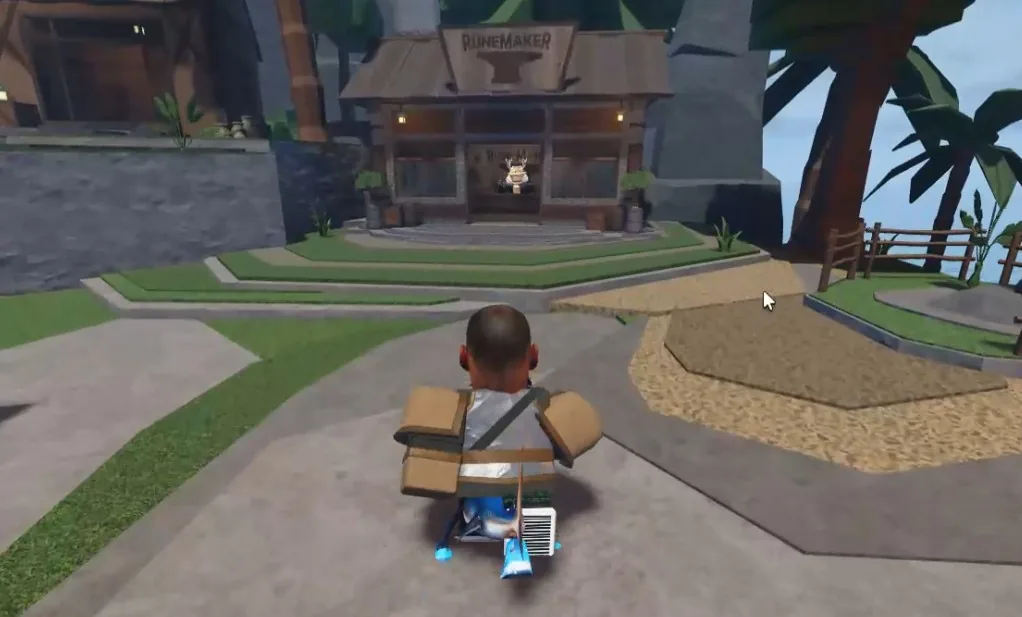

To attach a rune, first enhance the equipment to +3 so the first Rune Slot unlocks. Then visit the Runemaker NPC in Stonewake's Cross or the Forgotten Kingdom and pay a coin fee to bind the rune to your gear.
If you want to compare how runes interact with gear stats, check the weapons, armor, and ores guides before committing materials.
Runes
Runes are used to enhance and empower both weapons and pickaxes. As shown in the table below, each rune grants one or more stat bonuses. You can obtain runes by defeating higher-level enemies in The Forge. As a rune's level increases, it unlocks more effects and raises the chance of gaining additional secondary passives.
Rune Effects
| Rune | Effects | Rarity | Obtainment |
|---|---|---|---|
 Miner Shard |
| Rare | Delver Zombie Bomber Golem |
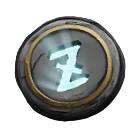 Frost Speck |
| Rare | Crystal Spider Diamond Spider Prismarine Spider Golem |
 Flame Spark |
| Rare | Deathaxe Skeleton Elite Deathaxe Skeleton Blazing Slime Reaper |
 Venom Crumb |
| Rare | Blight Pyromancer |
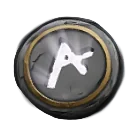 Chill Dust |
| Rare | Golem |
 Blast Chip |
| Rare | Bomber |
 Drain Edge |
| Rare | Reaper |
 Briar Notch |
| Rare | Deathaxe Skeleton Elite Deathaxe Skeleton |
 Rage Mark |
| Rare | Elite Rogue Skeleton Common Orc Elite Orc |
 Ward Patch |
| Rare | Obtainable in tutorial. |
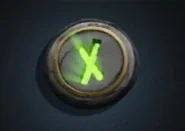 Rot Stitch |
| Rare | Unobtainable |
Traits
Secondary passives act as extra bonuses layered on top of your runes in The Forge. When a rune is slotted into a piece of gear, there's a small chance it will roll an additional trait alongside its main effect. These rare secondary effects further boost the stats of your weapons and armor.
Rune Traits
| Trait | Effect |
|---|---|
| [Endurance] | • Increase stamina by 4%-10%. |
| [Stride] | • Increase dash distance by 4%-15%. |
| [Swiftness] | • Increase movement speed by 4%-10%. |
| [Vitality] | • Increase max health by 5%-10%. |
| [Critical Chance] | • Increase critical strike chance by 6%-15%. |
| [Phase] | • Increase dash iFrame duration by 4%-11%. |
| [Critical Damage] | • Increase critical damage by 5%-15%. |
| [Fracture] | • Increase stun chance by 5%-20%. |
| [Lethality] | • Increase physical damage by 5%-15%. |
| [Attack Speed] | • Increase attack speed by 5%-18%. |
| [Surge] | • Reduce dash global cooldown by 3%-11%. |